
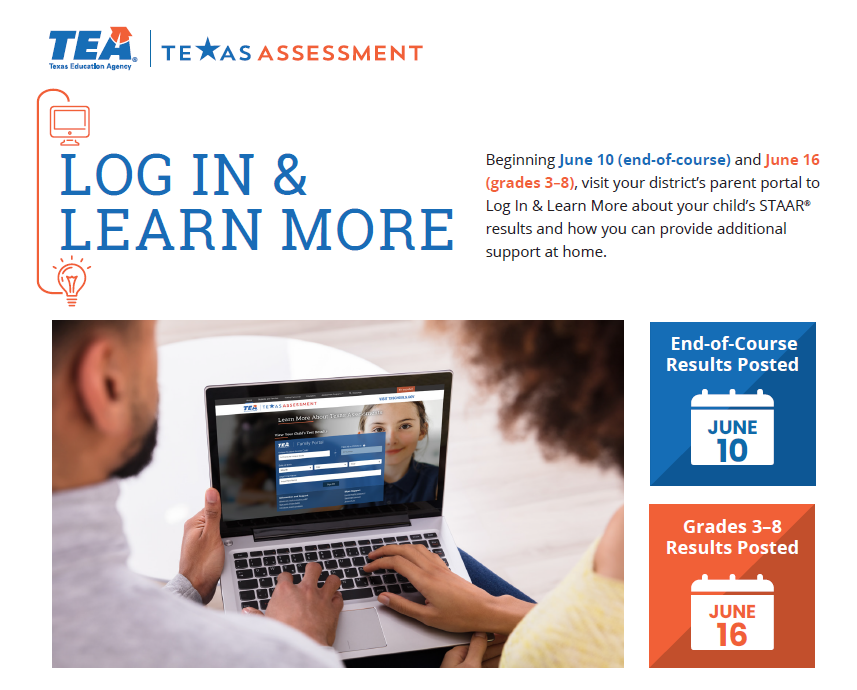
Parents/Guardians can log in and learn more about their child’s STAAR® results and how they can provide additional support at home. Beginning June 10 (end-of-course) and June 16 (grades 3–8).
Access your child's assessment results
Log in to your Parent Portal account
Select your Child's Name
Select the green Texas Assessment button
Learn more about your child's STAAR results, including how your child answered each test question, and find personalized resources to support learning at home.
At the beginning of the next school year, discuss the results with your child's teacher and work together to support your child's learning and academic growth.